
ShineosQA Now Available for Free — A Fully Offline Internal Q&A App with Cited Answers
Just register internal documents such as company rules and manuals, and this fully offline internal Q&A app answers questions with cited sources. Nothing leaves your PC and no GPU is required. Free to download on Microsoft Store.
Shineos Inc. (Headquarters: Yokohama, Kanagawa; Representative Director: Guangxi Zheng (鄭 光錫); “Shineos”), which provides AI agent development, custom SaaS, IT consulting, and offshore development, has released ShineosQA on the Microsoft Store. ShineosQA is a fully offline internal Q&A app that searches and answers from documents on the PC. The app itself is free under the MIT License and can be downloaded from the Microsoft Store.

About ShineosQA
Drop in company rules, internal policies, manuals, meeting notes, and other documents, and ShineosQA answers questions with the source document name and the relevant passage. The AI model, document search, and answer generation all run on the PC. Documents, questions, and answers are never sent outside the machine. The app does not collect telemetry or usage statistics.
It is built for teams that do not want confidential material sent to a cloud AI, and for internal Q&A that currently depends on a few people. There is no server to set up and no GPU to prepare. One existing office PC is enough.
Features
- Fully offline. Documents stay on the PC. The model, search, and answers all run locally. By default the app does not connect to the network, and it sends no telemetry or crash reports.
- Answers cite the document name and the relevant passage. Click a citation to open that passage. If the knowledge base does not cover the question, the app does not guess. It says there is no matching passage.
- Register files by drag and drop. PDF, Word, Markdown, and text become searchable as soon as they are dropped in. There is no lengthy setup, and newly added files are searchable right away.
- Hybrid search (BM25 plus vectors). Keyword match and meaning match run together, so part numbers, policy numbers, and proper nouns still hit. A different wording does not hide a document.
- Three answer models, switched in one click. Quick (1.7B), Standard (4B), and High quality (30B). Speed and quality can be chosen for the task.
- CPU only. No GPU required. It runs on a typical office PC without a dedicated GPU.
System requirements
- OS: Windows 10 / 11 (64-bit)
- GPU: not required (CPU only)
- Memory: 8 GB or more (16 GB or more recommended for the 30B high-quality model)
- Install size: Microsoft Store edition about 0.2 GB, plus about 2.3 GB for the AI model on first launch / full edition about 3 GB (can be installed offline)
- Network: not required (the app connects only if the optional web-search feature is turned on)
Pricing
- The app itself: free (open source under the MIT License, with free updates)
- Onboarding and support: paid (quoted) — registering and migrating knowledge, help rolling the app out (distribution and initial setup), tuning and customizing answer quality, and ongoing support
Download
- Microsoft Store: Microsoft Store download page
- GitHub Releases (MIT License): GitHub releases
- Service page: https://shineos.com/en/service/shineos-qa/
What’s next
The Microsoft Store release means teams can install ShineosQA without a separate IT review of code signing. Shineos will keep improving the product and expanding the models it supports. Paid onboarding and support cover knowledge registration, internal rollout, and answer tuning, from “try it for free” through “make it the company standard.”
If you are considering ShineosQA for your organization, please use the contact form.
Company
Company: Shineos Inc.
Address: Yokohama Creation Square 14F, 5-1 Sakae-cho, Kanagawa-ku, Yokohama, Kanagawa
Representative Director: Guangxi Zheng (鄭 光錫)
Founded: September 2021
Corporate site: https://shineos.com/
Business: IT consulting and DX support / building global offshore development teams / contracted system development (web and mobile) / developing and operating our own products, including SaaS
Related Articles
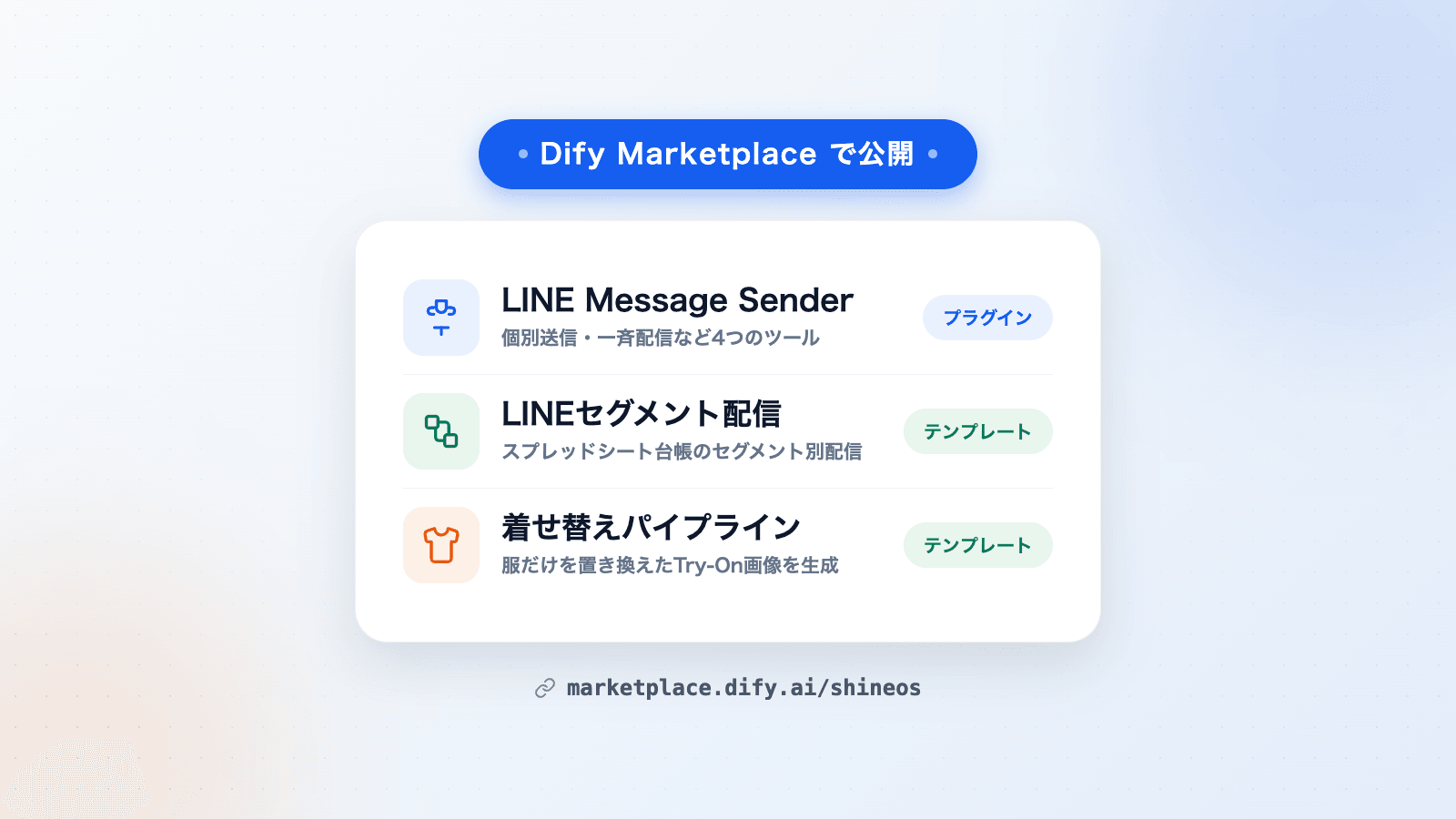
Shineos Publishes a Dify Plugin and Two Workflow Templates on Dify Marketplace
Shineos has published its in-house Dify plugin LINE Message Sender and two workflow templates — LINE segment delivery and a virtual try-on pipeline — on Dify Marketplace. They can be added to Dify workflows for LINE delivery and product image generation.
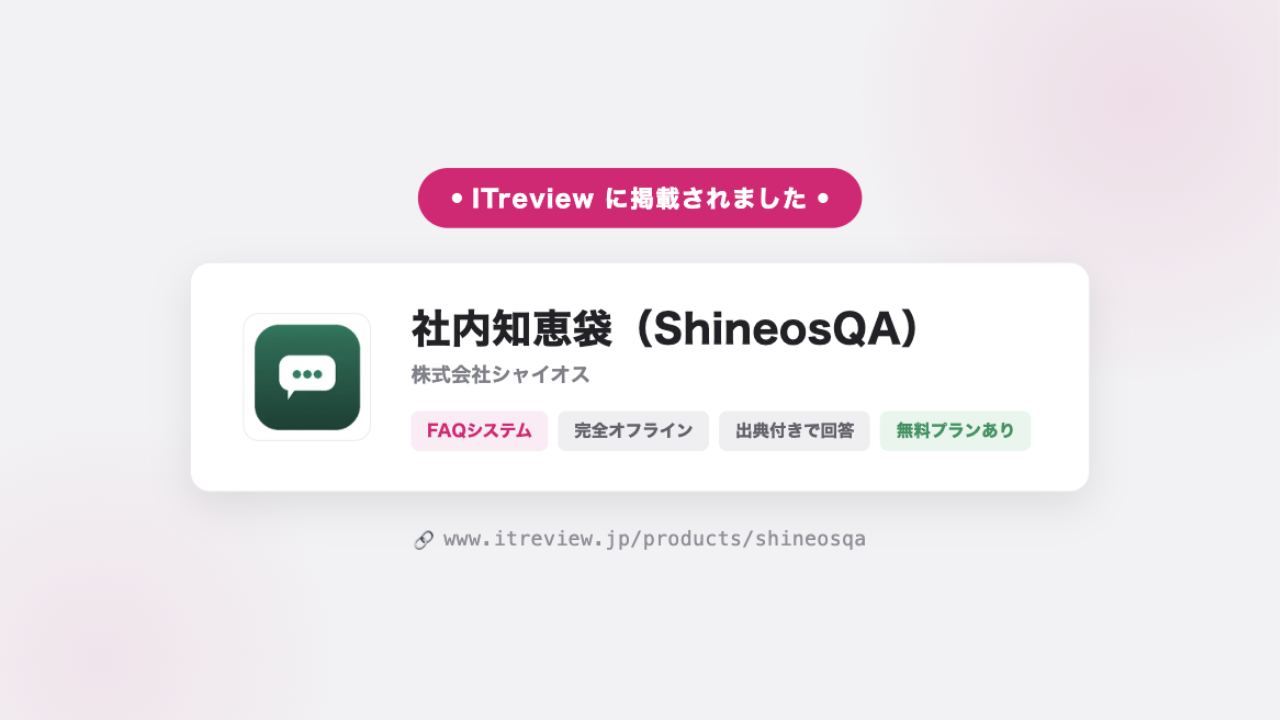
ShineosQA Listed on ITreview — User Reviews Now Welcome
ShineosQA, our fully offline internal Q&A app, is now listed on ITreview, one of Japan's largest IT product review platforms, in the FAQ System category. Reviews from our users are most welcome.
End-to-End Support for Enhancements and Maintenance of Smartwill's CRM BoCRM
We implemented a BoCRM feature that automatically sends coupons and appointment reminders via LINE, triggered by in-store customer service. It responds within one second even at about 270 customer interactions per day, enabling consistent customer follow-up that drives repeat business.