
How to Design ShineosQA Operation Rules That Make Knowledge Sharing Stick
How to design operation rules that make an internal Q&A tool stick: choosing which documents to register, version-management rules, question etiquette, and update ownership that keep knowledge sharing alive.
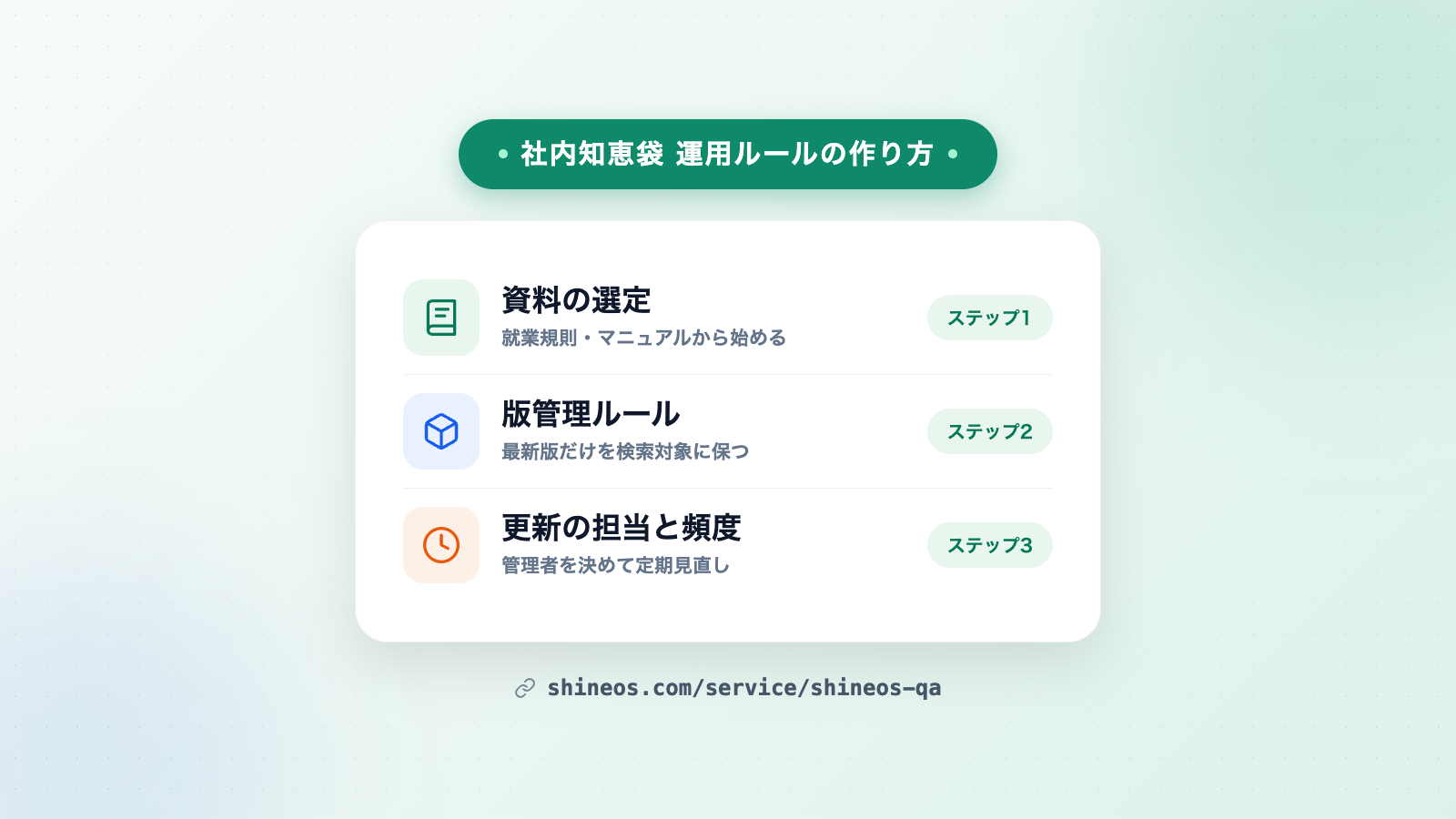
The key to making an internal Q&A tool stick is deciding “what to register” and “who updates what, and when” before rollout. Shineos Inc., an IT consulting and AI agent development company, explains how to design operation rules when you start using ShineosQA, a fully offline internal Q&A app.
What you will learn in this article
- Three reasons internal tools fade away
- Which documents to register first
- Naming and version-management rules
- Etiquette for asking questions and verifying answers
- How to run updates and make adoption stick
Why operation rules matter
Internal knowledge-sharing tools fade away for reasons that mostly boil down to three:
- Nobody knows what to register: without rules, registration decisions vary by person and important documents never get added
- Old information lingers: without an update owner and cadence, abolished policies and outdated manuals stay in and trust erodes
- The habit of asking the tool never forms: unless “when in doubt, ask the tool” spreads, people drift back to asking colleagues
Designing operation rules during the introduction phase prevents all three. Here is how, in four steps.
Step 1: Choose the documents to register first
Don’t try to register everything at once — start with the documents that attract frequent questions. A good priority order is:
- Company rules and policies (leave, expenses, application procedures — things everyone references)
- Business manuals and equipment guides (operating steps and procedures)
- Internal FAQ records and past support notes (questions that repeat)
- Handover notes and meeting minutes (knowledge prone to staying with individuals)
Start with one or two document types, let the team get used to the “ask → answer → check the source” flow, then expand the scope to keep the burden low.
Step 2: Naming and version-management rules
Decide the following when registering documents to keep search quality and trust high:
- Unify file naming: use names like “document name + date” so anyone can tell what a file is at a glance
- Decide how to handle new vs old versions: remove old versions from registration when revised — keep “only the latest version is searchable”
- Designate a single channel for revision notices: one owner (or team) receives all document revision and abolition notices
ShineosQA registers documents by drag & drop, and added files become searchable immediately. Because every answer shows its source (document name & location), stray old versions are easy to notice — a helpful backstop for version management.
Step 3: Etiquette for questions and answers
Set simple ground rules for users:
- Ask the tool first: keep the flow of querying registered documents before contacting the person in charge
- Always verify the source: answers come with cited sources (document name & location) — check the original text before making important decisions
- Treat “no matching entry” as a signal: if the tool says so, the question’s document is likely unregistered — report it to the administrator as a candidate to add
Step 4: Running updates and maintenance
- Name one administrator: concentrate registration, deletion and updates on one person (or one team)
- Set review timing: quarterly stocktaking of registered documents, or reflecting policy revisions immediately — pick a cadence that fits your culture
- Use the question log: when the same questions keep coming up, enrich the documents on that theme
Tips for making adoption stick
- Start small: begin with one team and one or two document types, then expand once people feel the benefit
- Share how to ask: circulate question examples like “what’s the procedure for…?” and “what’s the deadline for…?”
- Spread the word that it is fully offline: ShineosQA never sends documents outside, which lowers “I’m worried about security” resistance in advance
Summary
Operation rules built around four decisions — which documents to register, version management, question/answer etiquette, and update ownership and cadence — are what keep an internal Q&A tool from fading away.
For adoption itself, see What is an internal knowledge Q&A tool? Benefits and how to get started. For deployment support and customization of ShineosQA, visit the product page or contact us via the contact form.
Related Articles
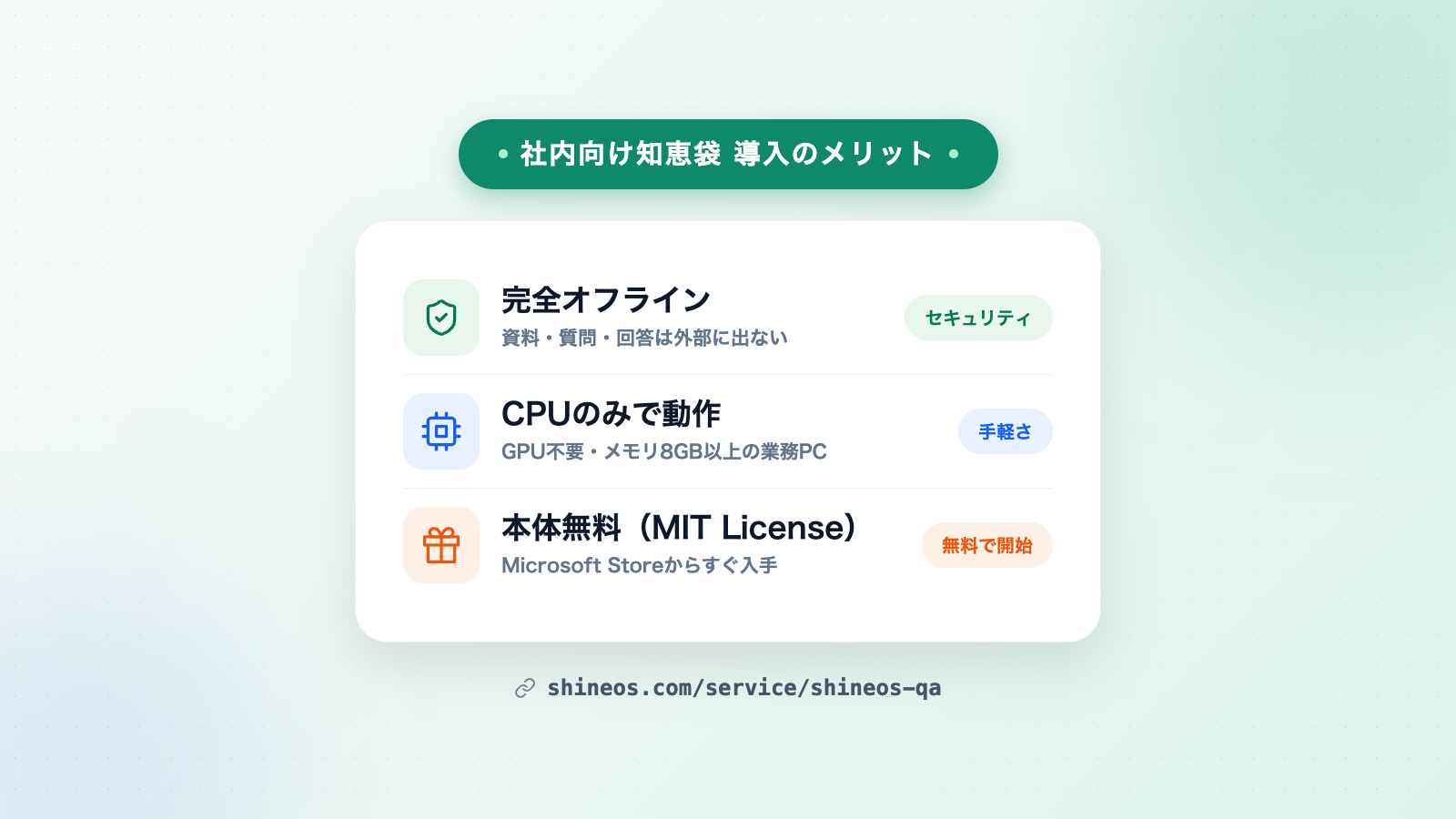
What Is an Internal Knowledge Q&A Tool? Benefits of Adopting ShineosQA and How to Get Started
What are the benefits of an internal knowledge Q&A tool? Using the fully offline ShineosQA as an example, this guide explains the problems it solves, what to compare before adopting, and how to start for free.
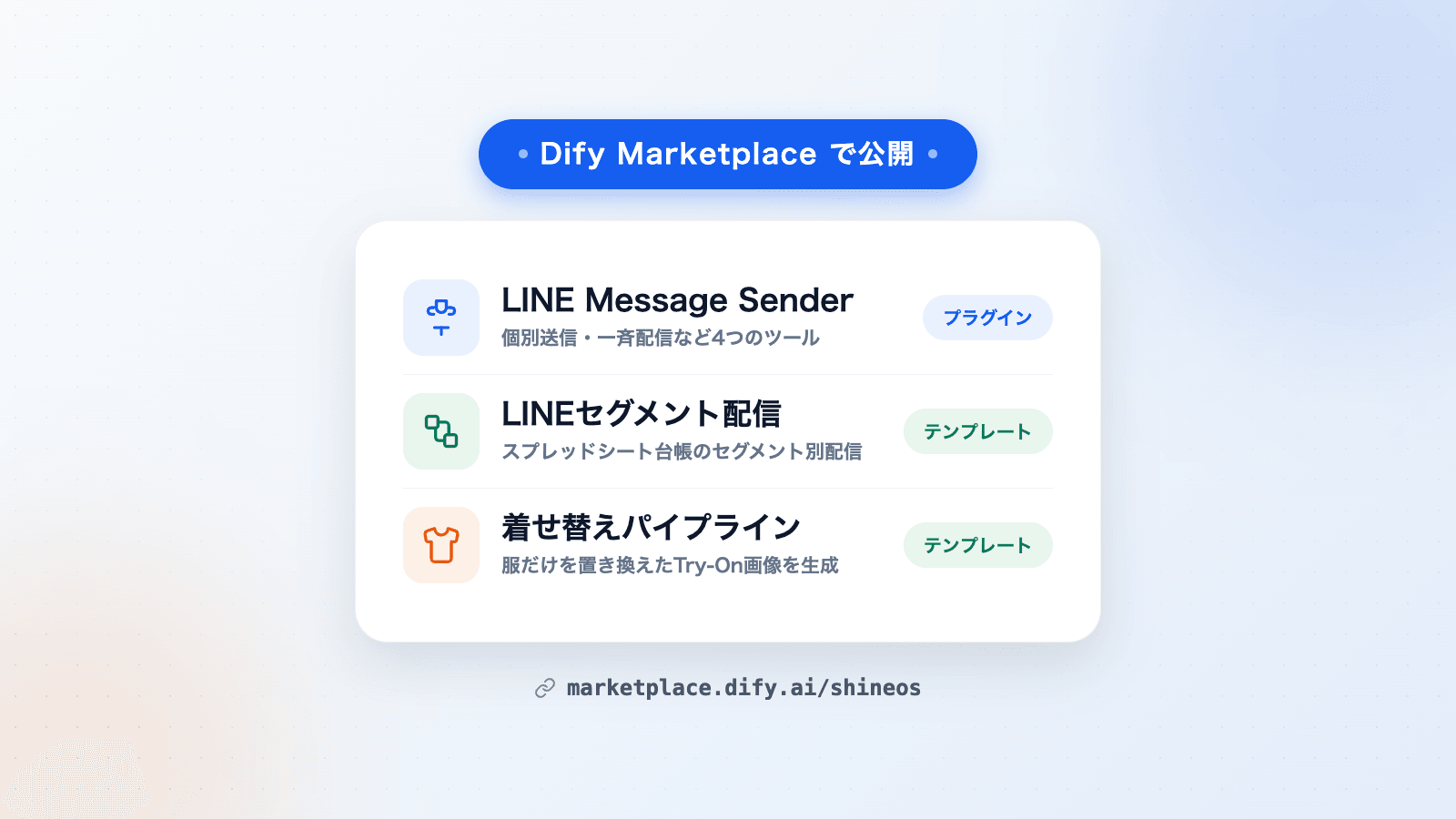
Shineos Publishes a Dify Plugin and Two Workflow Templates on Dify Marketplace
Shineos has published its in-house Dify plugin LINE Message Sender and two workflow templates — LINE segment delivery and a virtual try-on pipeline — on Dify Marketplace. They can be added to Dify workflows for LINE delivery and product image generation.
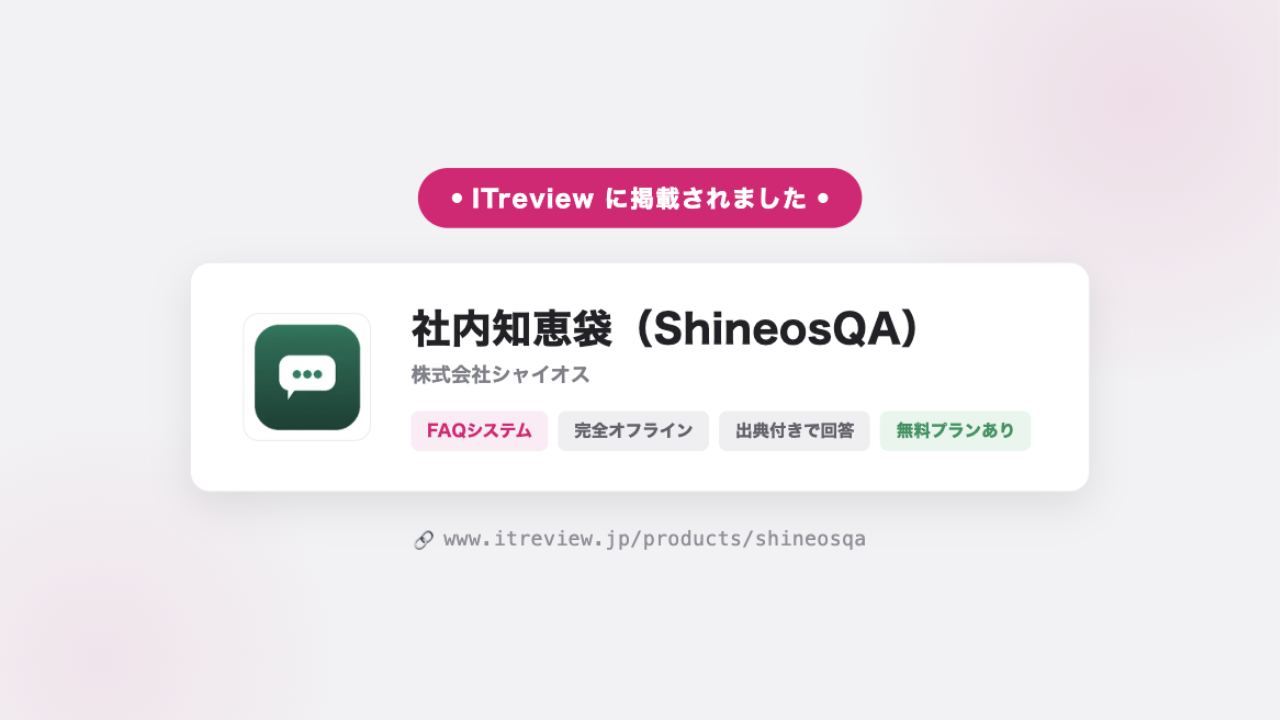
ShineosQA Listed on ITreview — User Reviews Now Welcome
ShineosQA, our fully offline internal Q&A app, is now listed on ITreview, one of Japan's largest IT product review platforms, in the FAQ System category. Reviews from our users are most welcome.