
What Is an Internal Knowledge Q&A Tool? Benefits of Adopting ShineosQA and How to Get Started
What are the benefits of an internal knowledge Q&A tool? Using the fully offline ShineosQA as an example, this guide explains the problems it solves, what to compare before adopting, and how to start for free.
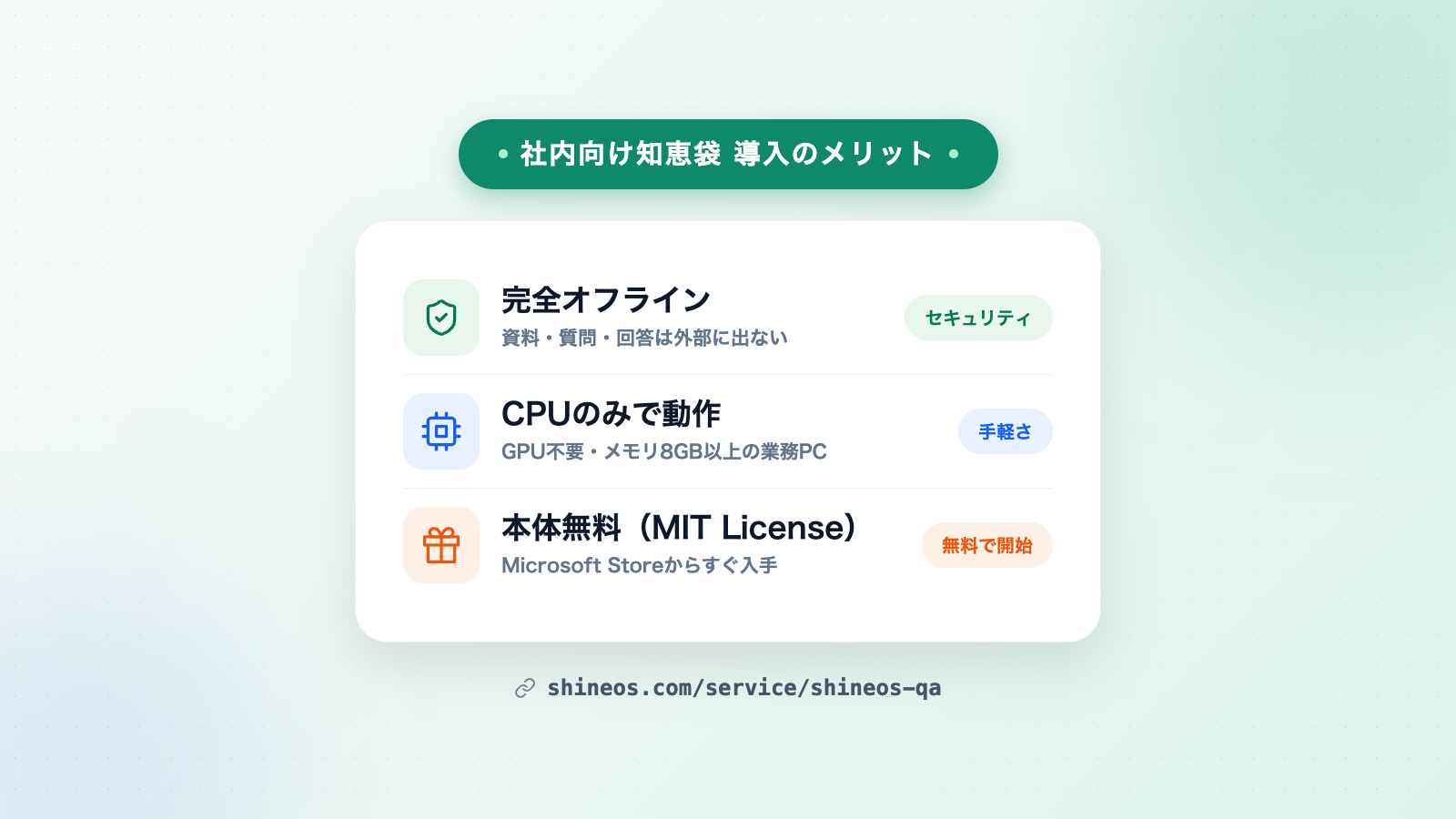
The biggest benefit of an internal knowledge Q&A tool is that anyone can ask anything instantly — without your documents ever leaving the company. Using ShineosQA, a fully offline internal Q&A app from Shineos Inc., an IT consulting and AI agent development company, this guide explains what an internal knowledge Q&A tool is, the problems it solves, and how to get started for free.
What you will learn in this article
- What an internal knowledge Q&A tool is
- Concrete problems it solves
- Three benefits of adopting one
- Three steps to get started for free
What is an internal knowledge Q&A tool?
An internal knowledge Q&A tool is a system where internal documents — company rules, manuals, meeting minutes and more — are registered in advance, and employees get answers by asking questions in plain language.
Traditionally, internal knowledge sharing relied on “putting files in shared folders” or “writing wikis”. That approach often leads to problems like “the document exists but nobody can find it” or “nobody knows which version is current”. With a Q&A tool, the AI searches registered documents and returns an answer, so employees reach the information they need without memorizing where files live.
ShineosQA delivers this as a fully offline Windows app. All AI processing runs inside your PC — documents, questions and answers are never sent externally. Every answer shows cited sources (document name & location), so you can verify it on the spot.
Three benefits of adopting an internal Q&A tool
Benefit 1: Less time spent searching and waiting for answers
“Where was that document?” “What does the policy say about this?” — asking registered documents directly is faster than emailing the person in charge and waiting. Because anyone can ask in plain language, everyone reaches the same information regardless of search skills.
Benefit 2: Less dependence on individuals — everyone references the same knowledge
When veterans’ know-how and handover notes sleep on personal PCs, work stalls when they are away. Keeping knowledge as registered documents that everyone can consult keeps questions from piling up on one person and makes handovers smoother.
Benefit 3: Use AI on internal documents while keeping them secure
With cloud AI services, there is always the question of whether confidential documents may be uploaded externally. A fully offline tool completes AI processing entirely within your PC, so nothing is stored on or sent to external servers. You can register highly confidential documents — internal policies, client information — with peace of mind.
Problems an internal Q&A tool solves
- You can’t find the document you need, and work stalls until the owner answers
- You don’t want to upload confidential internal documents to external AI services
- Knowledge-sharing tools seem hard to introduce and maintain
- Veterans’ know-how stays in their heads and handovers take time
Three steps to get started for free
ShineosQA’s app itself is free (MIT License). Getting started takes three steps:
- Gather documents: start with the documents that attract frequent questions — company rules, manuals, meeting minutes. One or two document types are enough to begin.
- Register them in the app: install it on a Windows 10 / 11 PC and drag & drop your documents. No GPU is needed; a standard office PC with 8GB of RAM or more is sufficient.
- Set operation rules: deciding who updates which documents and when helps adoption stick. Paid deployment support can also help you design them.
Summary
An internal knowledge Q&A tool solves the classic problems of internal knowledge sharing — search effort, dependence on individuals and security concerns — at once. For organizations handling confidential documents, choosing a fully offline tool lets you start using AI without sending anything outside.
For deployment support and customization, visit the ShineosQA product page or contact us via the contact form.
Related Articles
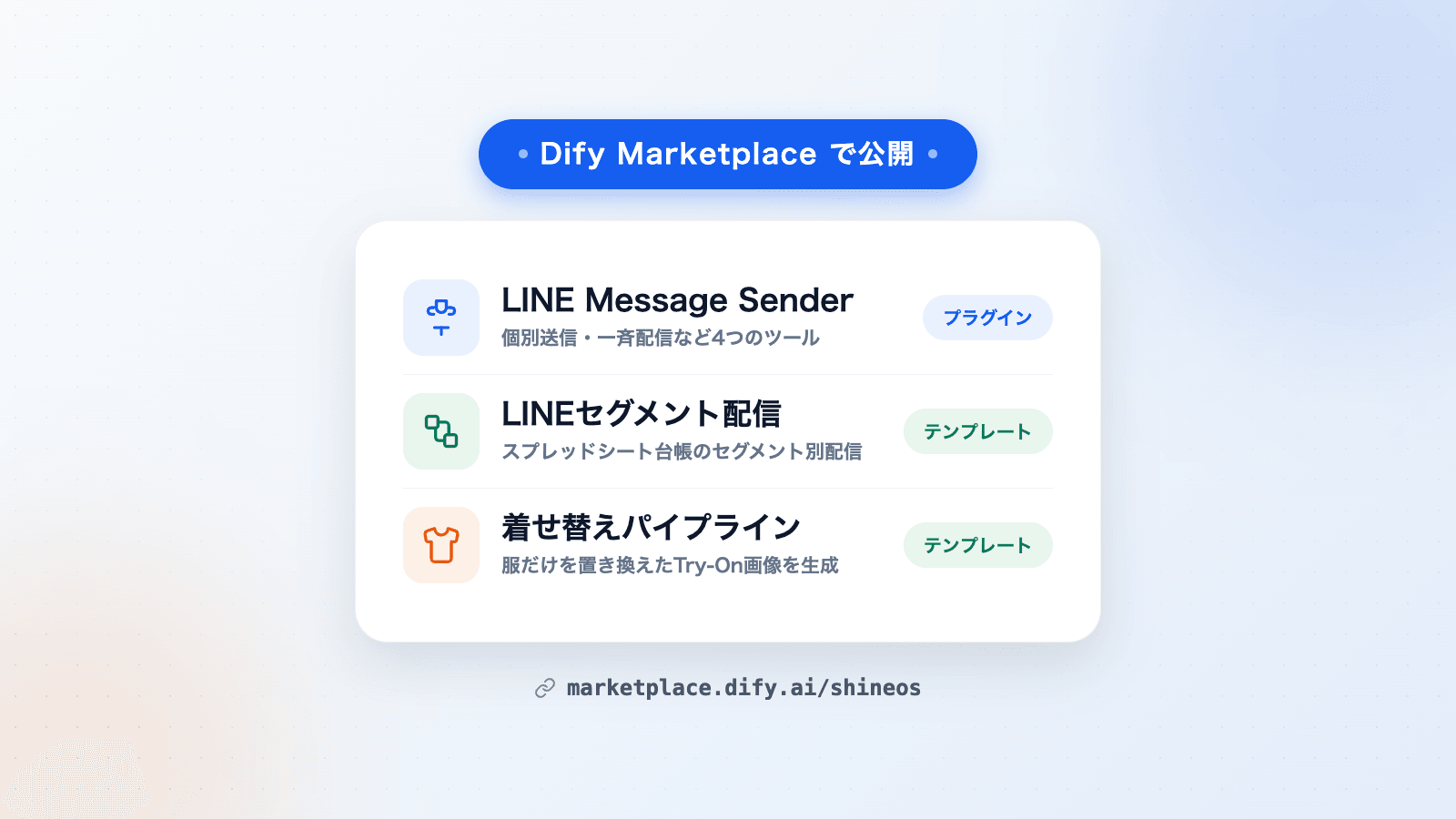
Shineos Publishes a Dify Plugin and Two Workflow Templates on Dify Marketplace
Shineos has published its in-house Dify plugin LINE Message Sender and two workflow templates — LINE segment delivery and a virtual try-on pipeline — on Dify Marketplace. They can be added to Dify workflows for LINE delivery and product image generation.
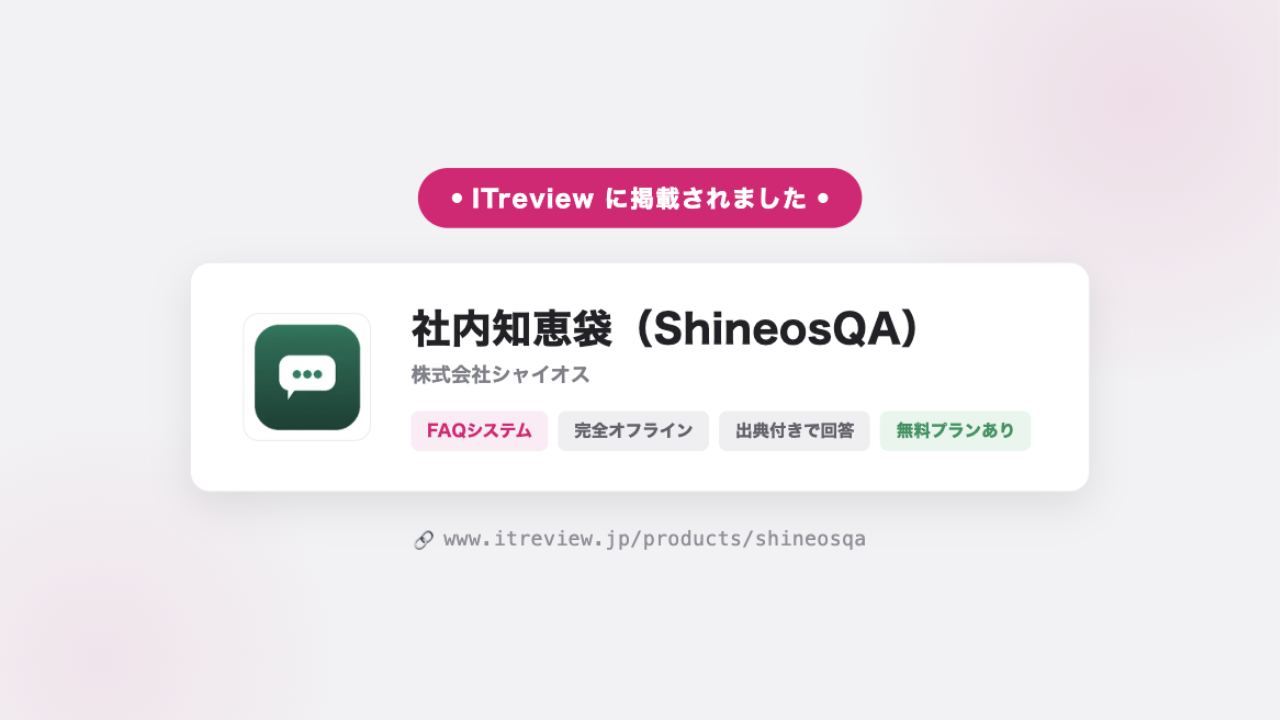
ShineosQA Listed on ITreview — User Reviews Now Welcome
ShineosQA, our fully offline internal Q&A app, is now listed on ITreview, one of Japan's largest IT product review platforms, in the FAQ System category. Reviews from our users are most welcome.
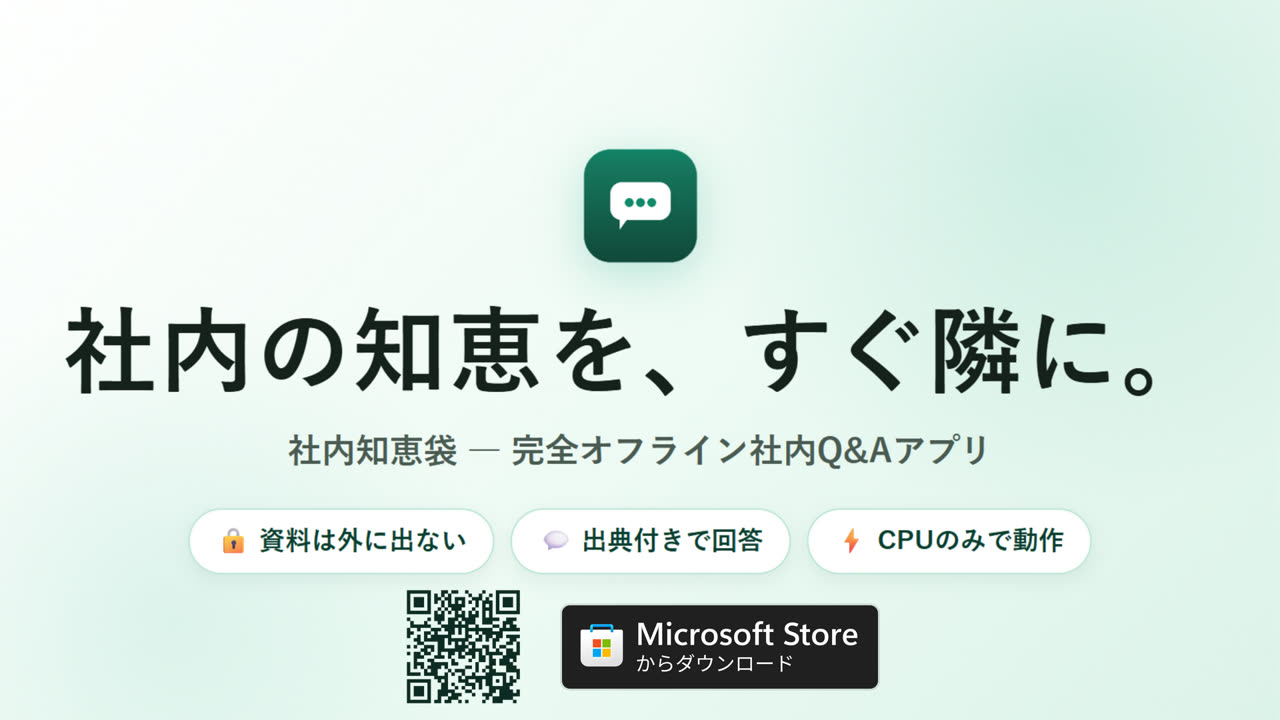
ShineosQA Now Available for Free — A Fully Offline Internal Q&A App with Cited Answers
Just register internal documents such as company rules and manuals, and this fully offline internal Q&A app answers questions with cited sources. Nothing leaves your PC and no GPU is required. Free to download on Microsoft Store.