
Choosing an Internal Knowledge-Sharing Tool: Cloud-Based vs Fully Offline
How to choose an internal knowledge-sharing tool: how cloud-based and fully offline tools differ, which to choose when security matters most, and a six-point checklist to review before adoption — with ShineosQA as an example.
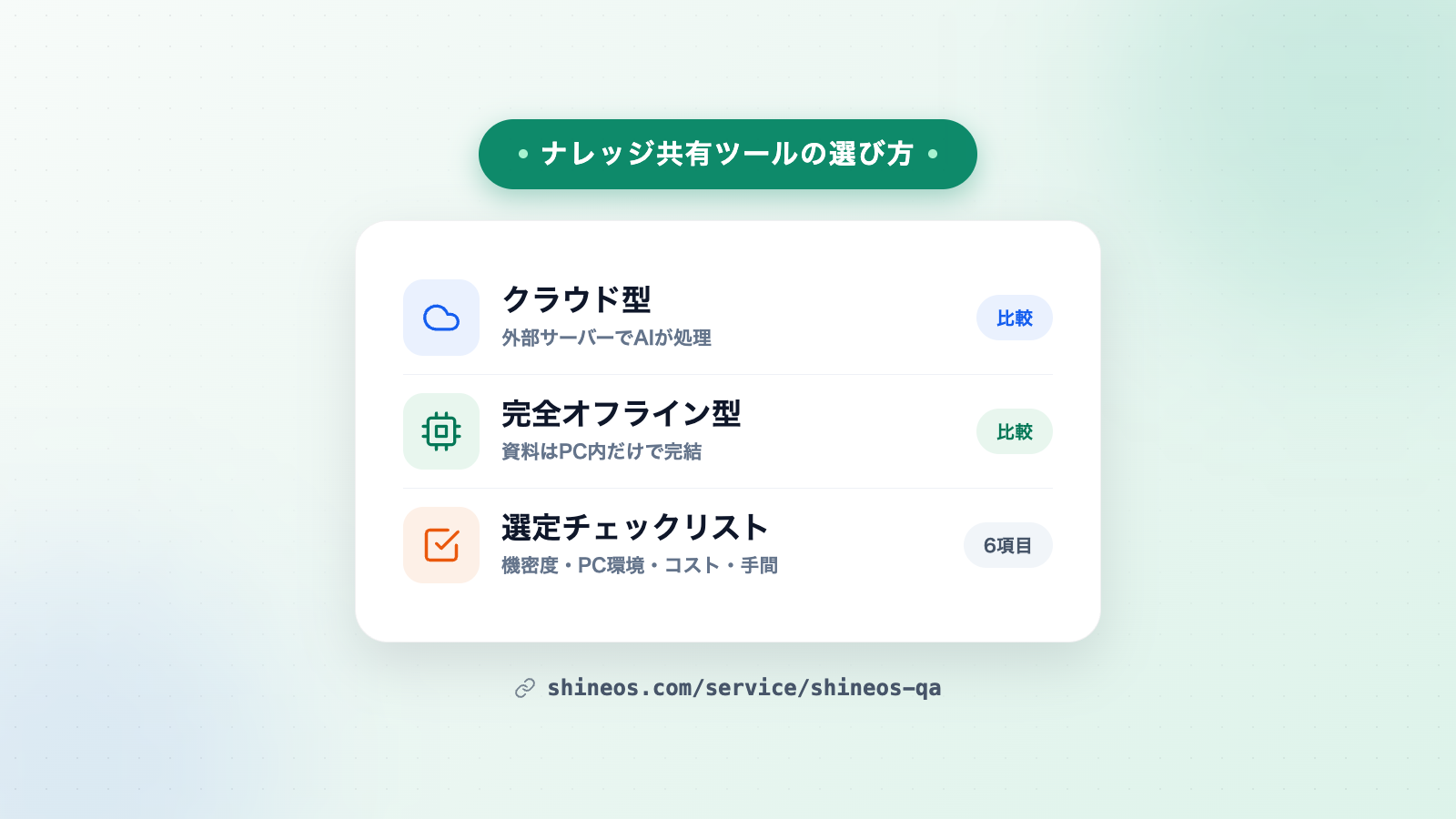
“What is the most secure internal knowledge-sharing tool?” — the answer is simple: a fully offline type that never sends confidential documents outside is the option with the fewest security constraints. Shineos Inc., an IT consulting and AI agent development company, explains how cloud-based and fully offline internal knowledge-sharing tools differ, and what to check before adopting one.
What you will learn in this article
- The two types of internal knowledge-sharing tools (cloud-based / fully offline)
- Benefits and cautions of each
- A selection checklist to review before adoption
- What ShineosQA, a fully offline tool, delivers
Two types of internal knowledge-sharing tools
Tools that let AI search and answer over internal knowledge fall into two groups by where the AI runs:
- Cloud-based: documents are stored in a cloud service and processed by AI on external servers
- Fully offline: documents are registered on each PC, and AI models, search and answer generation all run inside the PC
Cloud-based tools
Benefits
- Independent of PC specs — anyone with a browser can use it
- Often come with centralized administration and collaborative editing features
Cautions
- Confidential documents are stored and sent to external servers, so internal policies and compliance constraints must be checked first
- Affected by network conditions, external service changes and shutdowns
- In industries with strict data-handling rules (manufacturing, healthcare, finance…), external upload itself may be unacceptable
Fully offline tools (the ShineosQA example)
Benefits
- Documents, questions and answers never leave the PC, so confidential documents register as they are
- Works without a network and is unaffected by external service changes
- Answers show cited sources (document name & location), so correctness is verifiable on the spot
ShineosQA is a fully offline Windows app of this kind. AI models, document search and answer generation all complete inside your PC — with no telemetry either.
Cautions
- Requires a Windows 10 / 11 PC (8GB RAM or more; no GPU needed)
- Documents register per PC, so rollout and registration take some work (deployment support can handle it for you)
A selection checklist before adoption
When choosing an internal knowledge-sharing tool, check these six points:
- Confidentiality of your documents: if external upload is hard to justify, fully offline is the stronger candidate
- Network and location constraints: choose offline if you need to operate independent of the internal network
- Users’ PC environment: does it run on standard office PCs? (ShineosQA runs CPU-only with 8GB RAM or more)
- Cost: can you start with a free app (MIT License), and is deployment support available?
- Setup effort: can documents register by drag & drop, with no server build required?
- Answer trustworthiness: can you verify answers via cited sources?
Summary
Choosing an internal knowledge-sharing tool is really choosing where the AI runs. For organizations handling confidential documents, or environments where external cloud upload is difficult, the fully offline type is the option with the fewest constraints.
For adoption benefits, see What is an internal knowledge Q&A tool? Benefits and how to get started; for making adoption stick, see How to design ShineosQA operation rules. Details of ShineosQA are on the product page, and deployment inquiries via the contact form.
Related Articles
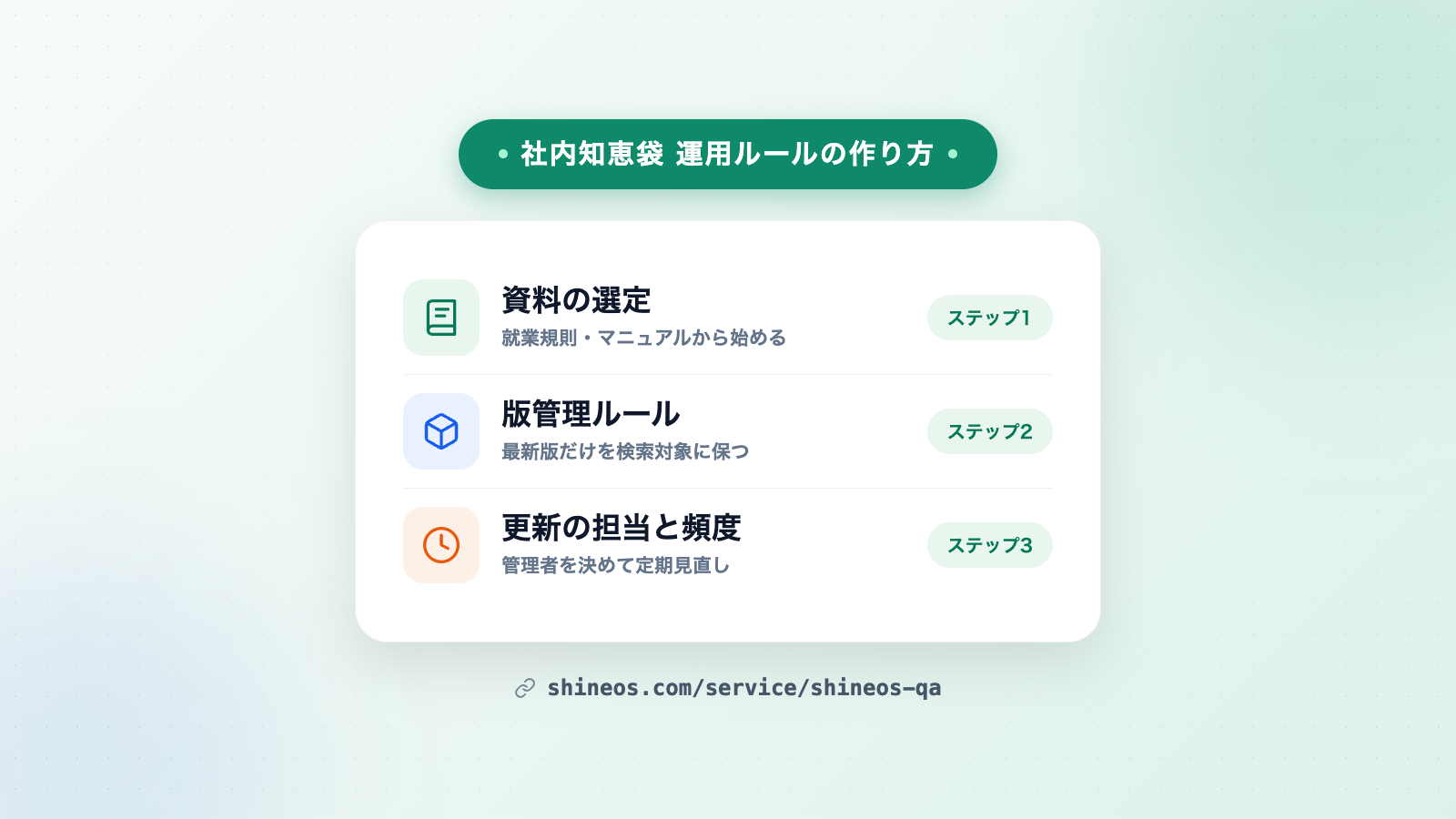
How to Design ShineosQA Operation Rules That Make Knowledge Sharing Stick
How to design operation rules that make an internal Q&A tool stick: choosing which documents to register, version-management rules, question etiquette, and update ownership that keep knowledge sharing alive.
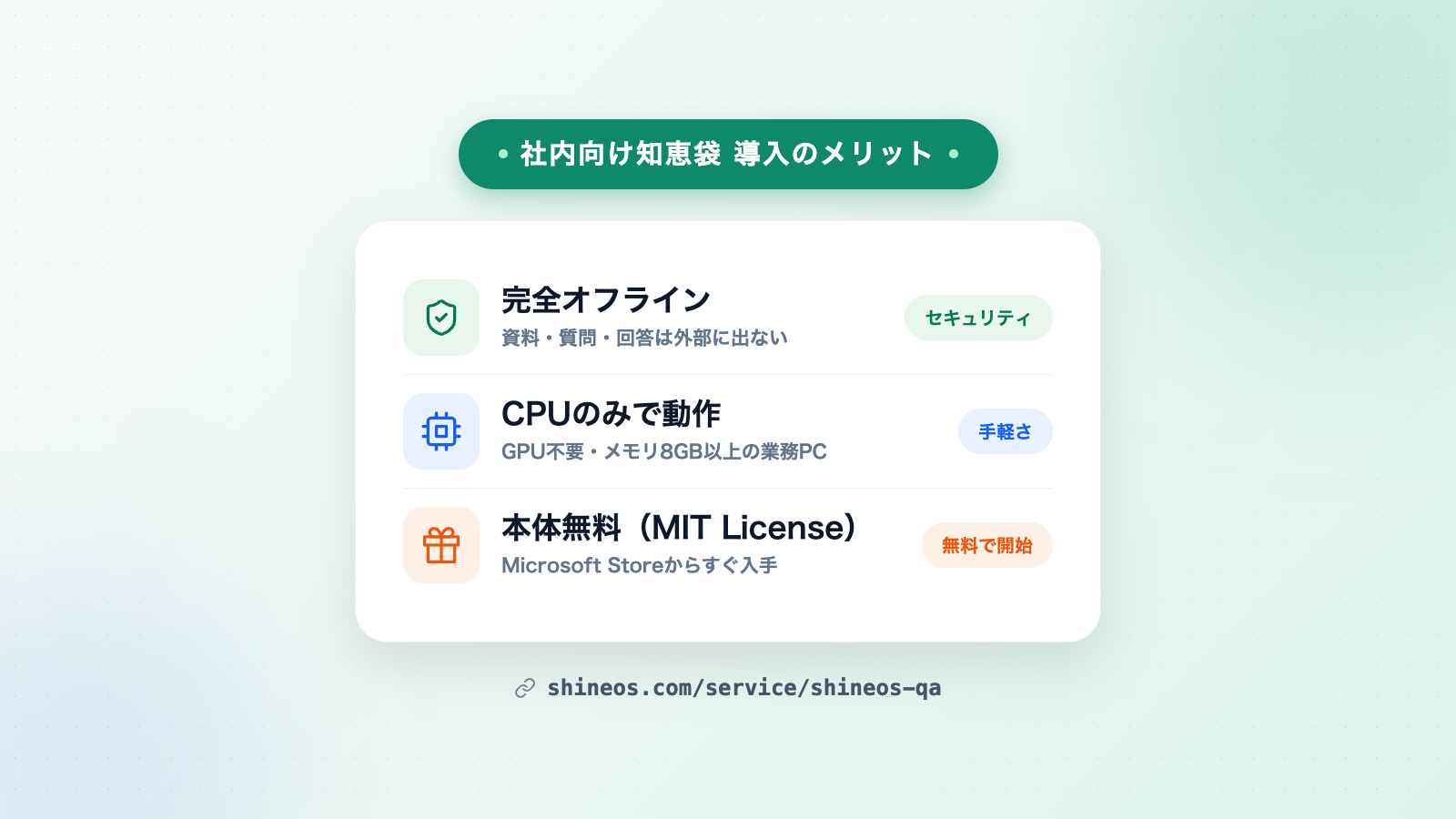
What Is an Internal Knowledge Q&A Tool? Benefits of Adopting ShineosQA and How to Get Started
What are the benefits of an internal knowledge Q&A tool? Using the fully offline ShineosQA as an example, this guide explains the problems it solves, what to compare before adopting, and how to start for free.
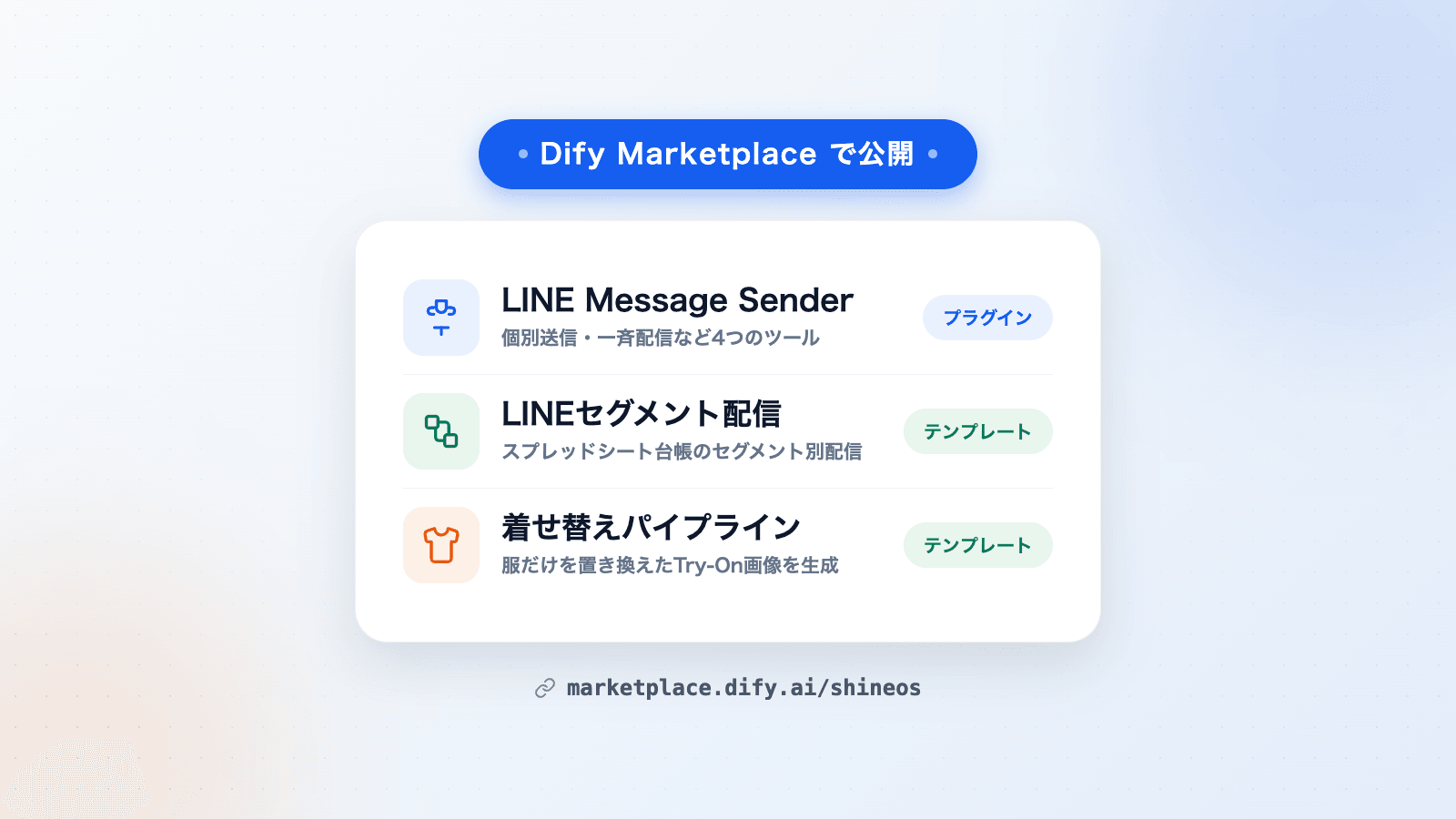
Shineos Publishes a Dify Plugin and Two Workflow Templates on Dify Marketplace
Shineos has published its in-house Dify plugin LINE Message Sender and two workflow templates — LINE segment delivery and a virtual try-on pipeline — on Dify Marketplace. They can be added to Dify workflows for LINE delivery and product image generation.